Power On/Off
Long-press the Power button to turn the speaker on and off.
Bluetooth:
● Long-press power button to turn the speaker. The speaker enter Bluetooth mode automatically.
● ActivateBluetooth of mobile phone and search for device name “GS802” then connect it.
● Play the music from your mobile phone and enjoy.
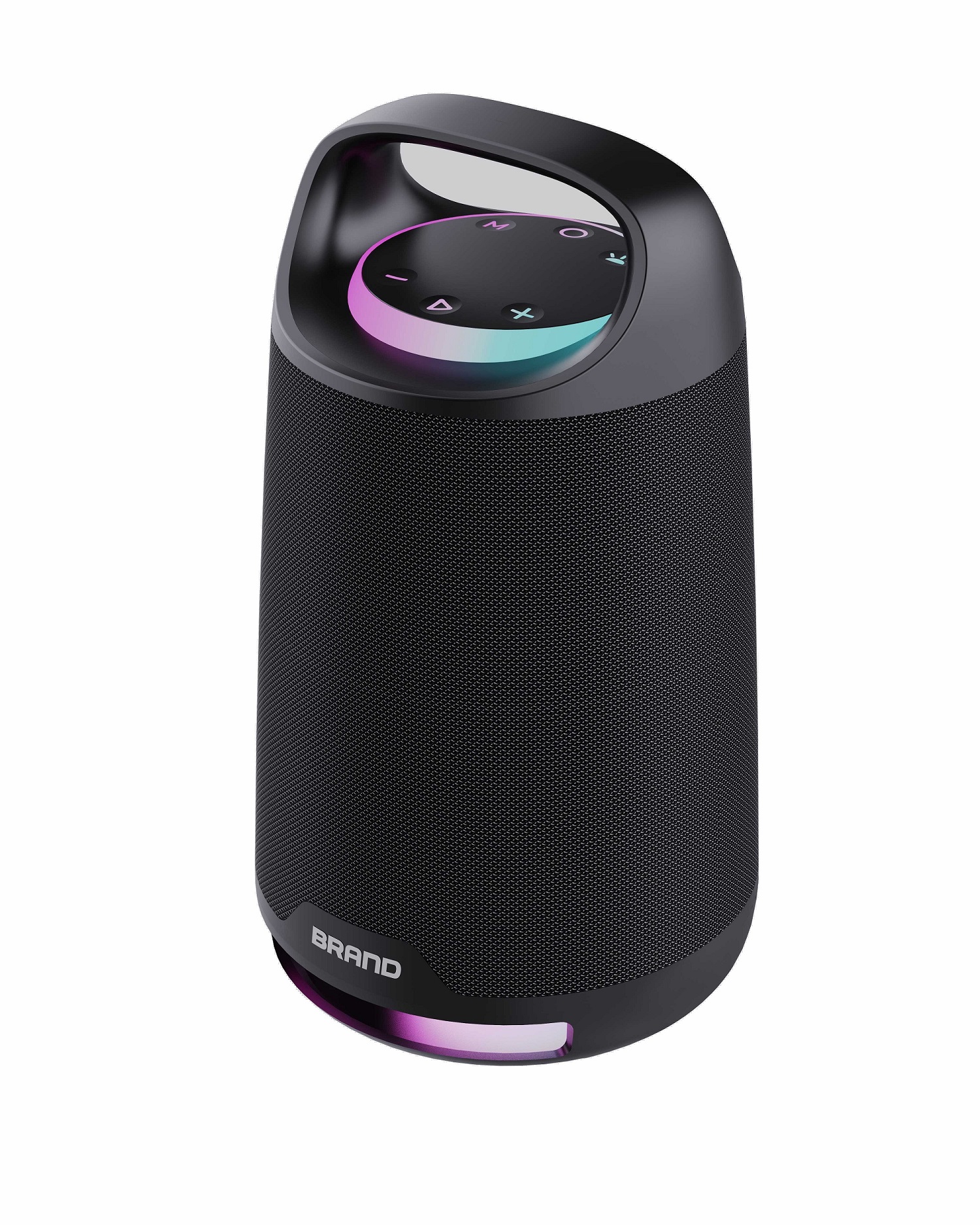
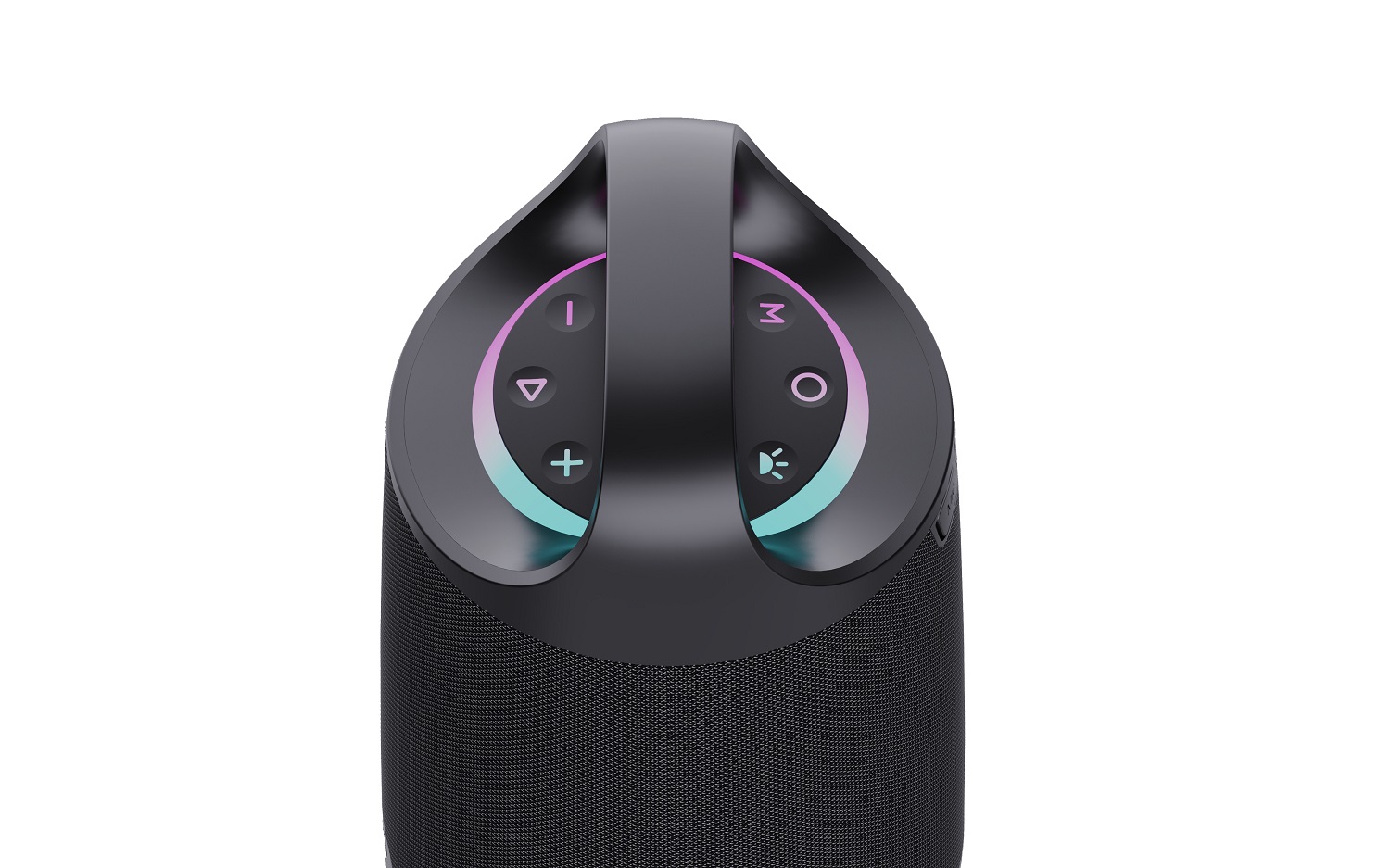
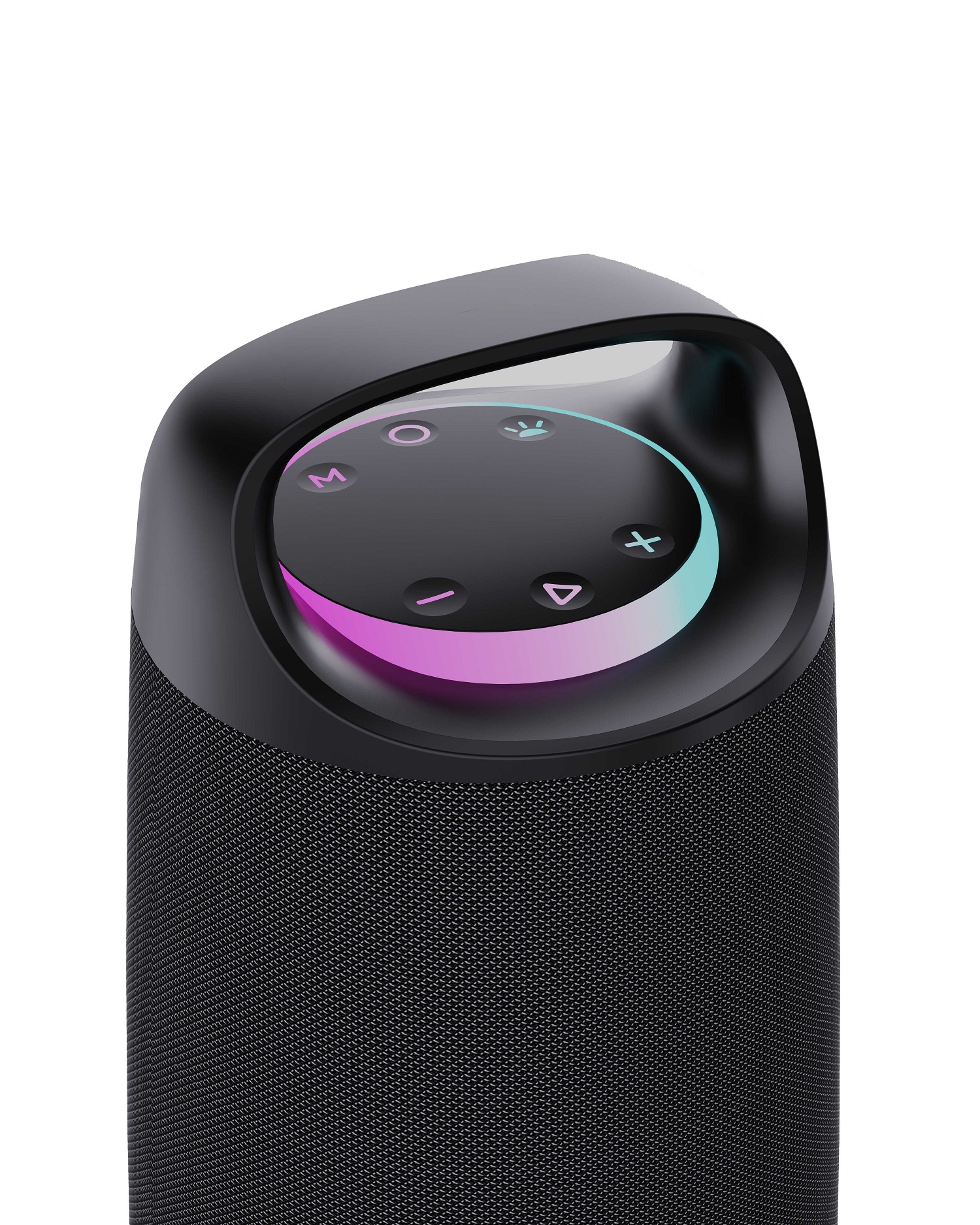
● Long-pressForward orBackward button to select songs.
● Short-press Forward orBackward button to adjust volume up and down.
● Short-press Play/Pause button to play/pause the music
● Short-press the power button to disconnects the connected bluetooth.
TWS Function:
● Turn on two identical speakers you want to pair, both under BT mode. Onlyneed to setone of the two units.
● Long-press the M button to pair, speaker will make a tone (flash a blue light) to start to pair, and make a tone again (keep a blue light bright) after paired successfully.
● Make Bluetooth connection with your mobile phone to play music by the two paired Speakers.
●Long-press the M button again to exit TWS function.
Playing music from USB disk:
●Long-press power button to turn the speaker.
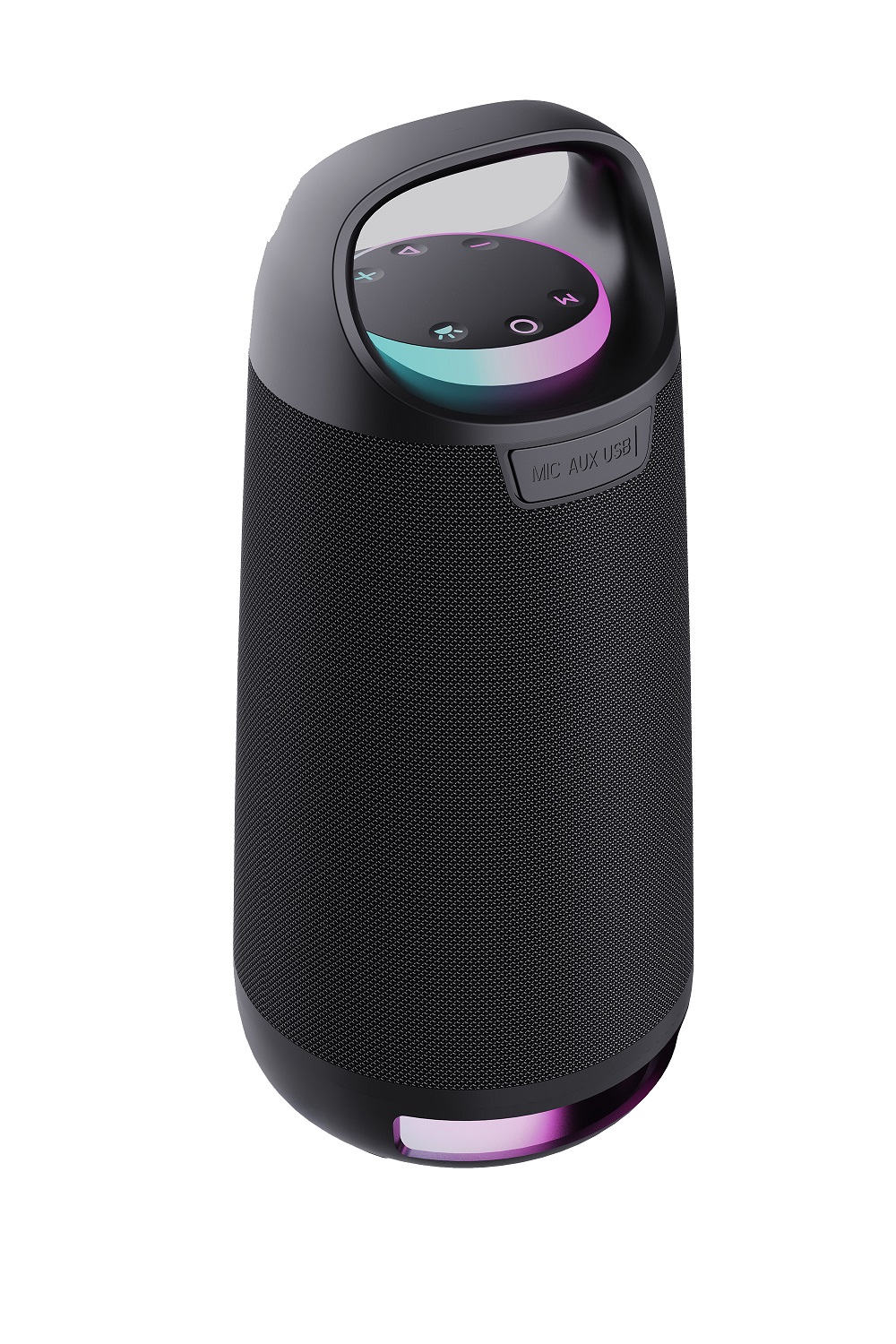
● Insert USB flash disk into slot, the speaker will play the stored music automatically.
●Long-pressForward orBackward button to select songs you like, short-press to adjust the volume up and down.
● Short-press Play/Pause to play or pause.
Notes:Under any playing mode, when you insert a USB disk to the speaker, it will switch to play the USB disk.
FM Radio:
● Long-press power button to turn the speaker,short-press the “M” button to enter radio state.
● Short-press “Play/Pause” button to mute the speaker. Long-press “Play/Pause” button to auto search the FM Channel and store it automatically.
● Long-pressForward orBackward button to change the stored FM channel, short-press to adjust the volume up and down.
RGB Light
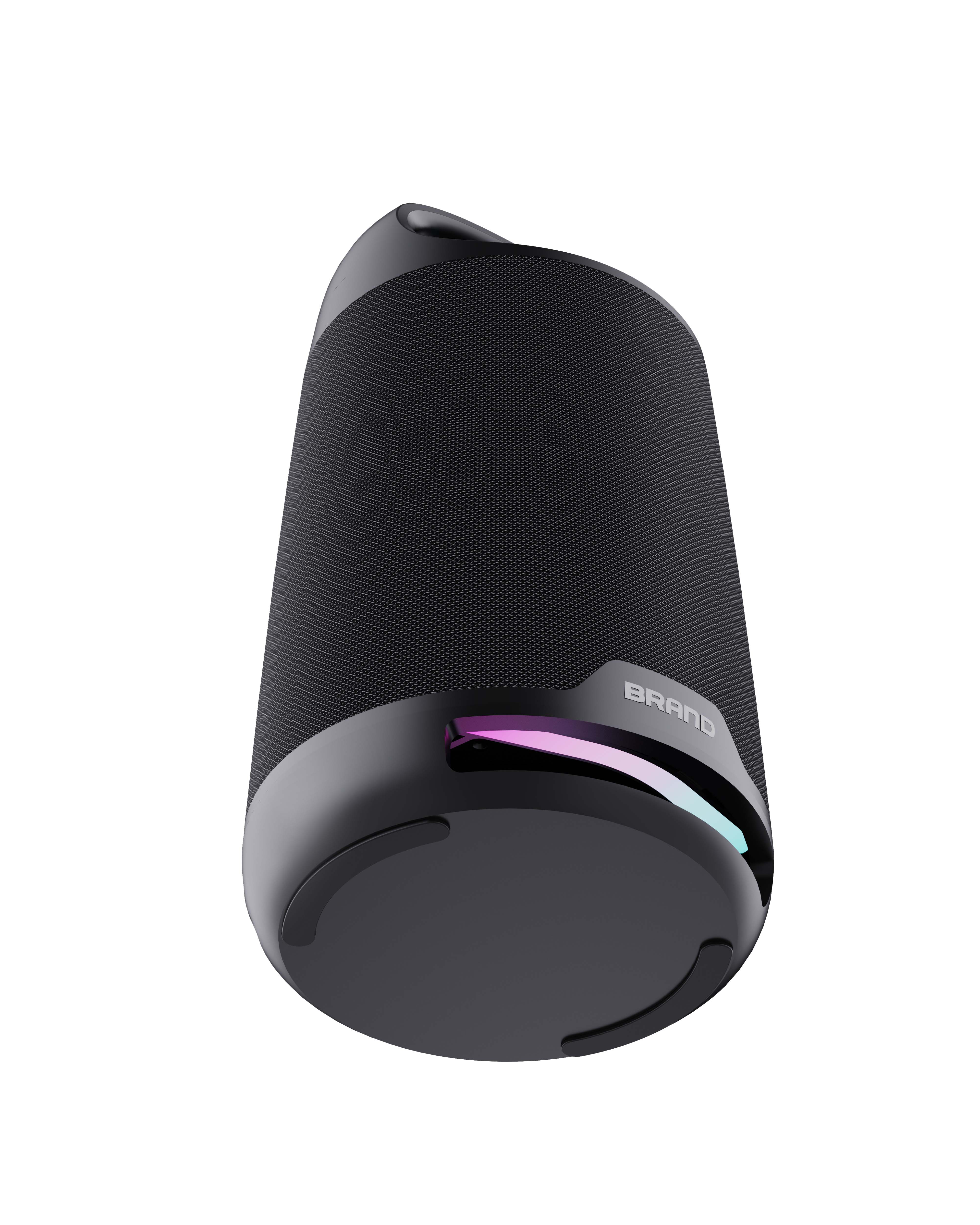
The RGB light is on when speaker powered on, user can short-press the RGB Light button to turn the 5 different light modes
Long-press RGB Light button to Off light
The light is off in FM mode
Activating Voice Assistant:
● Make Bluetooth connection with your mobile phone.
● Long-press Play/Pause button to activate voice assistant.
Hands-free call:
● Under Bluetooth connection status, if there is an incoming call, user can short-press Play/Pause button to accept the call or long-press Play/Pause button to reject the call.
● During the call, user can long-press Play/Pause button to switch to talking on the phone.
● Short-pressPlay/Pause button or operate on mobile phone to end the call.
●Double click the Play/Pause button to call back.
MoreRemarks:
● Default volume is at 50% status of max volume.
● Play time may vary depending on volume level and music style.
How to charge:
● The charger is not included in the package, pleasecharge this speaker via a standard 5V/2A& 9V/2Acharger or via a PC.
● Charge time should be 3-5 hours. Once the speaker is full charged, the charging indicator will be off.
● The unit does not have power bank function, it is forbidden to charge other device via this unit or to connect other device via the USB port.
● To protect the battery, please do not use the speaker while it is charging.
Warning:
● Don’t use/store this speaker in extreme temperatures.
● Please store it in cool and dry area, keep away from anything that generates heat, such as radiators, stoves, etc.
● In order to have hearing protection and an extended speaker life, avoid listening to songs on maximum volume.
● When cleaning this speaker, use a soft dry cloth. For more sever stains, please dampen the cloth with water only. Anything else has the chance of dissolving the paint or damaging the plastic.